

Formuler EPG Limited to 24 Hours | How to Fix & Extend Full TV Guide
Category: NewFormuler EPG Limited to 24 Hours | How to Fix and Extend EPG Duration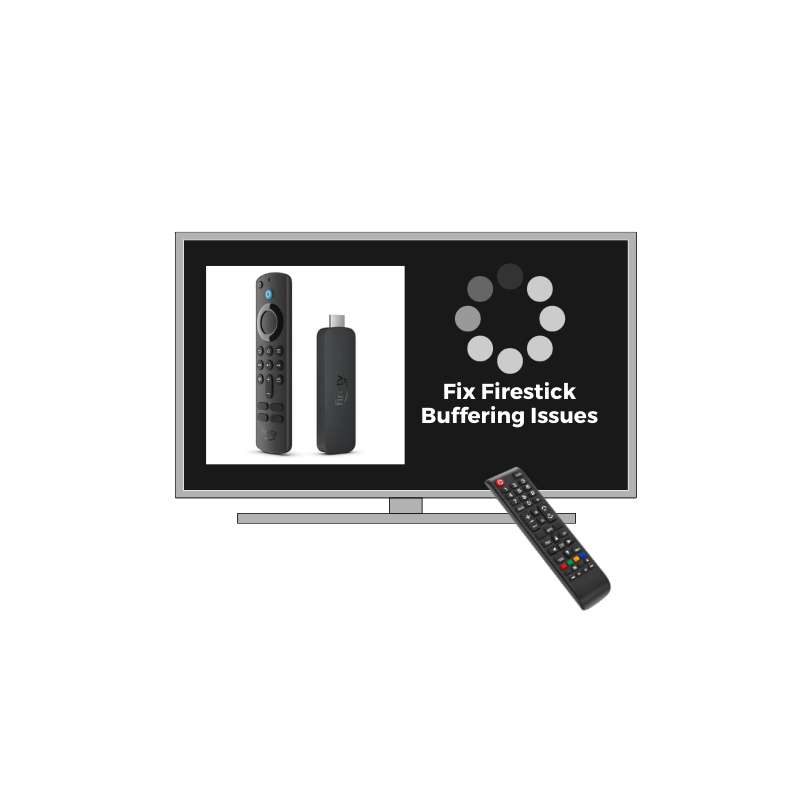
🕒 Estimated Reading Time: 5 min or click here to get instant help.
If your Formuler Z11 or MyTVOnline app only shows 24 hours of EPG data, you’re not alone. Many users notice that their Formuler EPG is limited to one day, missing channels, or showing the wrong time zone.
This problem is usually caused by short EPG data provided by your IPTV service, outdated firmware, or incorrect time settings. The good news is: you can fix the 24-hour EPG limitation and extend it up to 7 days or more with a few quick adjustments.
This guide explains why the EPG is restricted and gives you step-by-step solutions to restore the full program guide on your Formuler box.
Step 1: Check If Your IPTV Provider Supplies Full EPG
Not all IPTV providers deliver multi-day EPG data.
● Log into your provider’s portal or dashboard.
● Confirm whether their EPG feed duration is 24 hours or 7 days.
● Some portals limit EPG updates for performance reasons.
If the provider’s EPG feed itself only contains 24 hours, you’ll need to request an extended guide or use a third-party EPG source.
Pro Tip: Providers that use Xtream Codes or M3U with XMLTV URLs typically support extended EPG data — make sure you’re using that format.
Step 2: Update EPG Source in MyTVOnline
If your Formuler Z11 EPG is not showing the full guide, the problem may be with your current source.
1. Open MyTVOnline → Menu → Connections.
2. Select your active IPTV connection.
3. Go to EPG Source → Change URL.
4. Paste the full EPG XML link (often provided by your IPTV provider).
5. Save and restart your MyTVOnline app.
Once reloaded, check if your guide now displays more than 24 hours.
Step 3: Sync Device Time & Time Zone
An incorrect time zone can make the EPG show the wrong time or skip upcoming programs.
● Go to Settings → System → Date & Time.
● Enable Automatic Time Zone (if connected to the internet).
● If incorrect, switch to Manual Mode and select your correct region.
● Restart your box and reload the EPG.
Still stuck? Call or WhatsApp and our team will remotely reconfigure your EPG feed and time settings.
Step 4: Update Firmware & MyTVOnline App
Firmware updates often fix bugs that limit or break EPG synchronization.
● Navigate to Settings → About → Update.
● Check for the latest Formuler Z11 firmware and MyTVOnline app version.
● Install updates and reboot.
After updating, re-load your EPG — the full guide should populate automatically.
Step 5: Clear and Refresh EPG Data
If your EPG isn’t updating beyond one day, a corrupted cache could be the cause.
1. Open MyTVOnline → Menu → Settings → Clear EPG Data.
2. Exit and restart the app.
3. Wait a few minutes for fresh guide data to download.
-This often fixes missing channels or partial EPG listings.
Step 6: Add a Custom 7-Day EPG File (Advanced Users)
You can manually add an extended EPG file to your connection:
● Obtain an XMLTV EPG link (from your IPTV provider or trusted source).
● In MyTVOnline → EPG Source, select External EPG (URL).
● Paste the XMLTV link and save.
● Restart MyTVOnline — you should now see 7-day listings for supported channels.
Step 7: Troubleshoot Missing Channels in EPG
If specific channels show “No Information”:
● Check if the channel name in your playlist exactly matches the one in your EPG XML file.
● Rename mismatched channels manually.
● If you use Xtream Codes API, delete and re-add the connection.
Formuler devices match EPG data by channel name, so even small spelling differences can cause missing program info.
FAQs About Formuler EPG Problems
Why is my Formuler EPG only showing 24 hours?
Because your IPTV provider’s feed is limited to 24 hours or your EPG cache didn’t fully update. Switching to a longer XMLTV source fixes this.
How do I extend the EPG on Formuler?
Go to MyTVOnline → Connection Settings → EPG Source and add a full XML link. Also update firmware and clear EPG cache.
MyTVOnline EPG not loading at all — what should I do?
Check your internet connection, clear cache, and verify your EPG source URL is valid.
EPG time is wrong — why?
Your time zone setting is mismatched. Correct it under System → Date & Time.
Final Thoughts
If your Formuler EPG is limited to 24 hours, the issue is usually due to restricted provider data or outdated settings. By checking your EPG source, syncing your time zone, and refreshing the XML feed, you can restore a full multi-day guide in minutes.
For persistent problems like EPG missing channels or wrong time, contact your IPTV provider or message our support team — we’ll extend your EPG and sync your guide remotely.