


Basic Settings: How to connect Infomir MAG 544W3
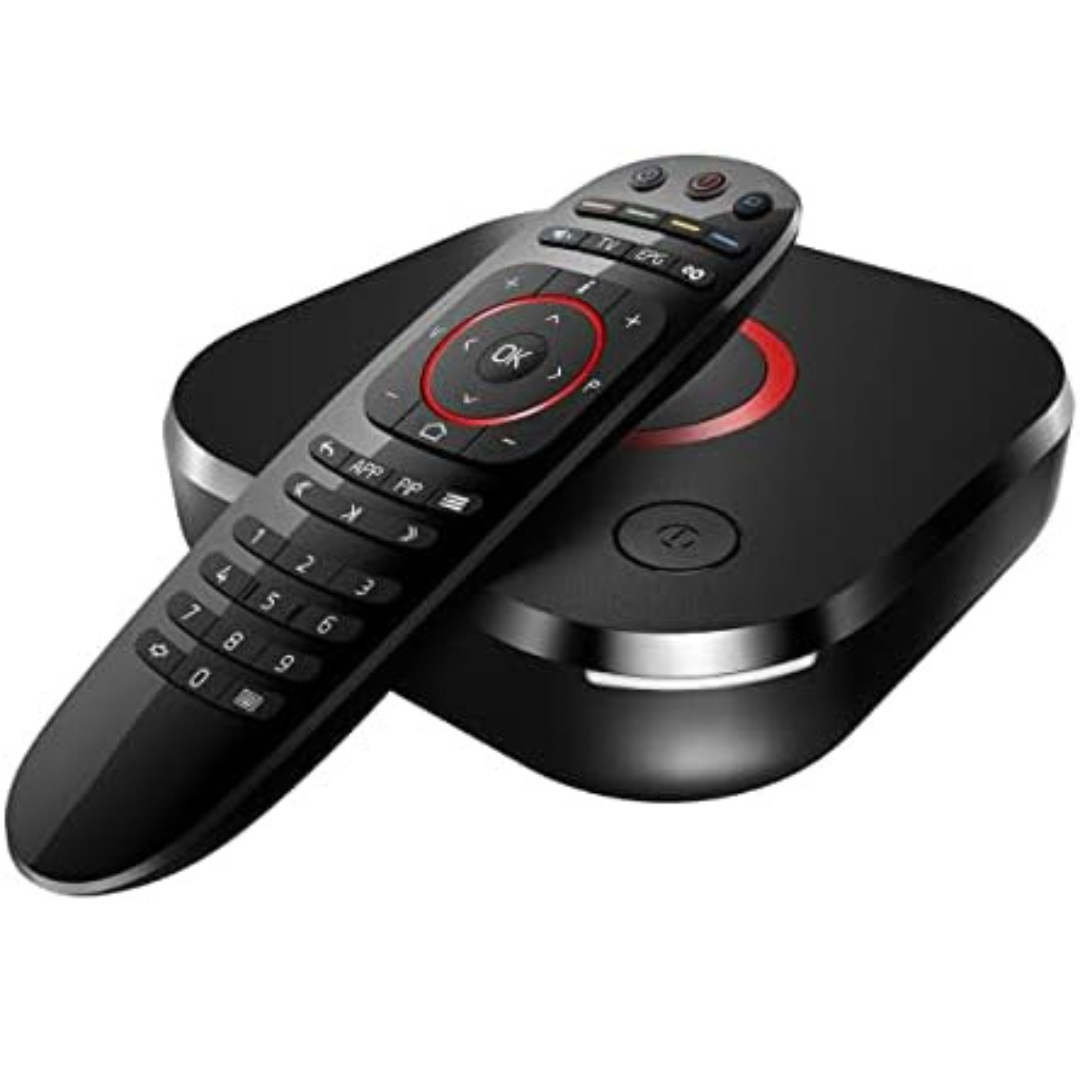
Category: Infomir MAG 544W3| Getting started with IPTV services on your Infomir MAG 524W3 Set Top Box (STB) is a straightforward process. Here's a quick guide for basic settings to connect and start your Infomir MAG 544W3 STB: 1. Ensure the power cable is securely plugged into the IPTV box, and the HDMI cable is correctly connected to both the IPTV box and your TV. 2. Please check that the device light is on, and you have chosen the right HDMI to get correct interface from remote. 3. If the interface is not correctly chosen, use your TV remote to select "Source" or "Input." 4. Choose the same HDMI option on the interface as the selected HDMI slot on your TV. 5. To kickstart your viewing experience, go through the initial setup. 6. If you need further assistance or guidance during the setup process, don't hesitate to Contact Us. |
 |